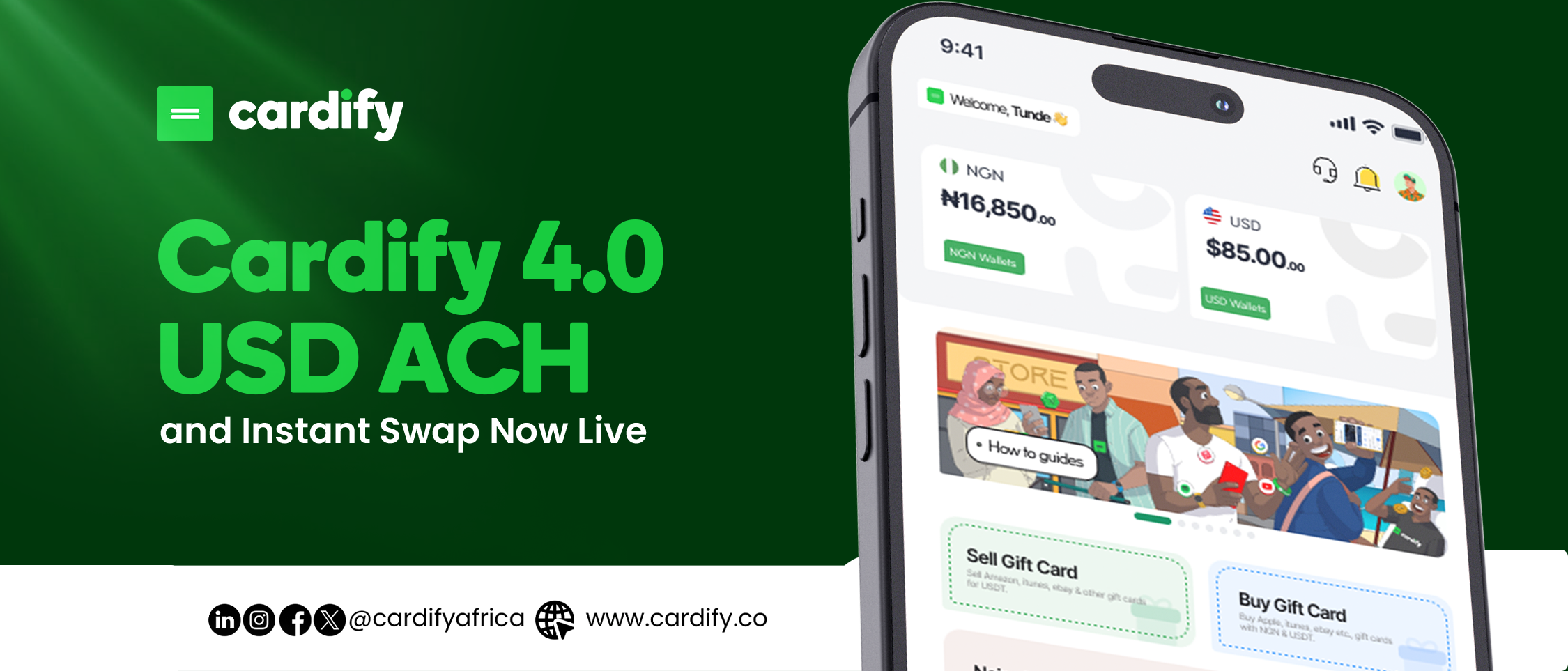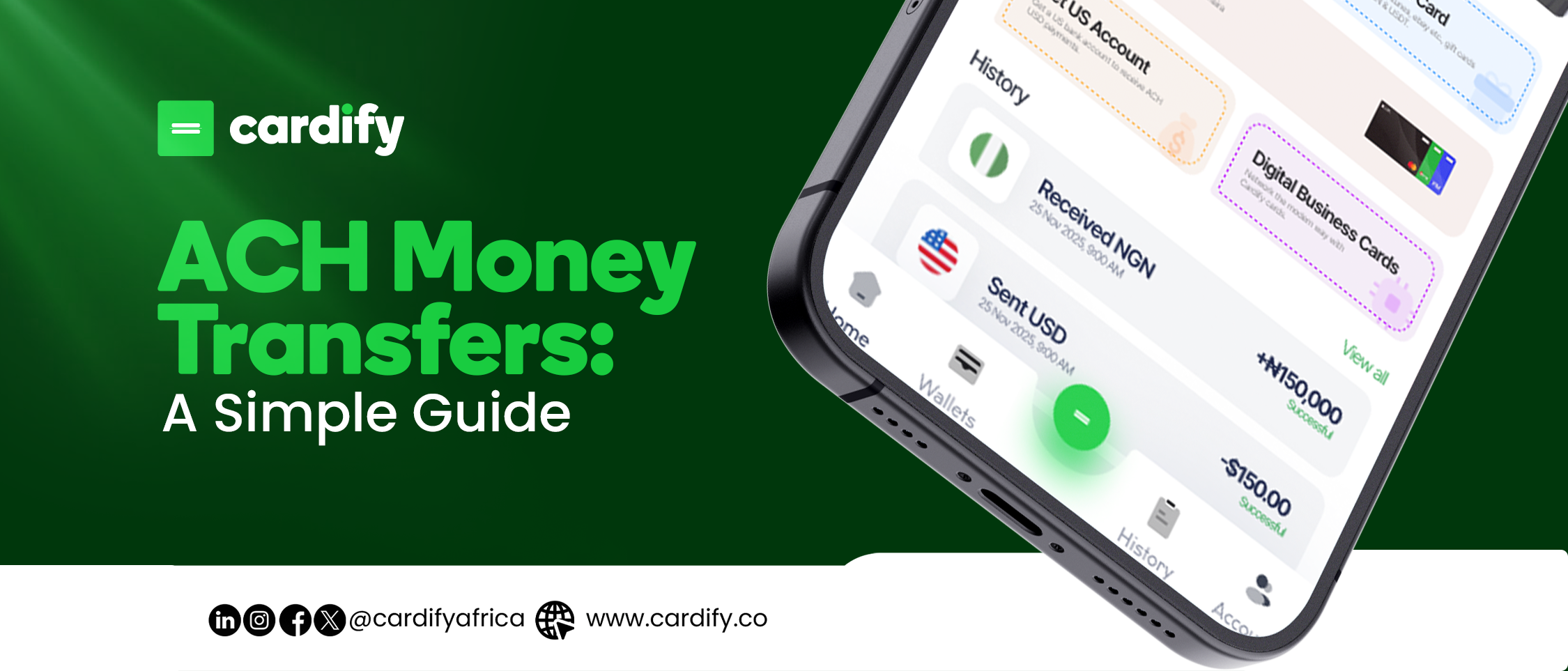

Financial management shouldn’t be complicated. With Cardify Africa, users can handle Naira, Dollar, and Pound wallets in one secure app making deposits, withdrawals, and spending seamless across local and international borders.
Whether you’re funding your Virtual Dollar Card, paying for subscriptions, or receiving payments, Cardify gives you complete control and flexibility over how you move your money.
How to Deposit into Your Cardify Wallet
Cardify supports multiple funding options to make wallet top-ups fast and convenient. You can deposit funds into your Naira wallet or Dollar wallet depending on your needs.
Deposit into Your Naira Wallet
- Log in to your Cardify Africa app.
- Tap on Wallets → Naira Wallet.
- Select Deposit.
- You’ll see a dedicated bank account number generated for you.
- Transfer your preferred amount from any Nigerian bank account.
Your Naira wallet will be credited instantly or within minutes. You can then use this balance to:
- Fund Virtual Dollar Cards
- Pay local bills (electricity, airtime, internet, cable TV, etc.)
- Buy Gift Cards in Nigeria directly from the app
Deposit into Your Dollar Wallet
Need to make an international payment or fund your Dollar Card in Nigeria?
Here’s how to fund your Dollar wallet:
- Open the Cardify app and go to Wallets → Dollar Wallet.
- Tap Deposit.
- Choose between Stablecoin Deposit (USDT/BUSD) or Virtual Dollar Account.
- If using stablecoins, send the equivalent amount from your crypto wallet.
Once confirmed, your Dollar wallet will reflect the balance — ready to use for:
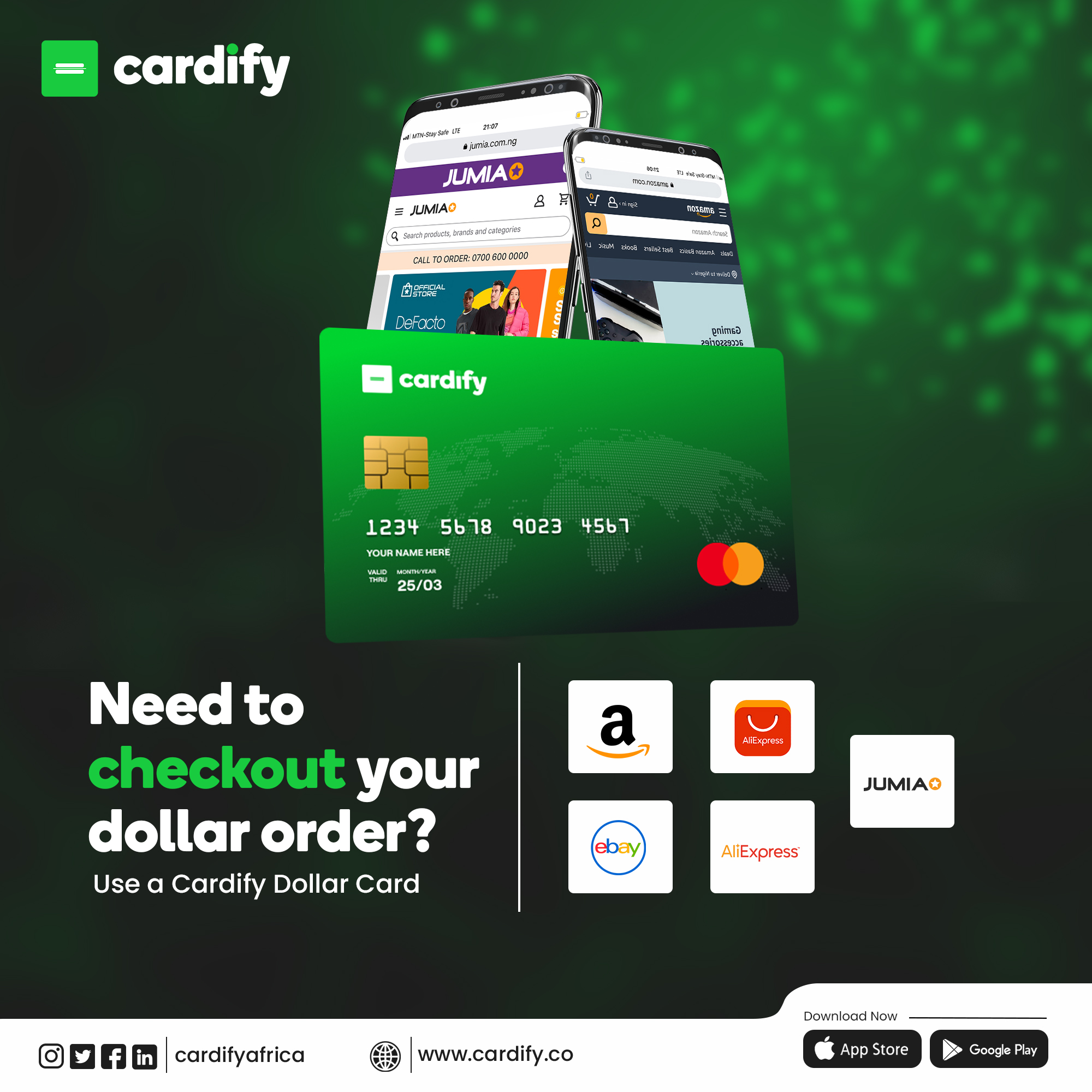
- Shopping on global sites like Amazon, Spotify, or ChatGPT
- Paying for SaaS tools or business subscriptions
- Funding your Virtual Dollar Cards
How to Withdraw from Your Cardify Wallet
Withdrawing from Cardify is just as easy as depositing. Users can withdraw from their Naira or Dollar wallets directly to linked accounts or through supported withdrawal methods.
Withdraw from Naira Wallet
- Navigate to Wallets → Naira Wallet.
- Tap Withdraw.
- Enter your bank details and withdrawal amount.
- Confirm the transaction.
Funds are sent to your Nigerian bank account swiftly — making it convenient for bill payments, savings, or business transactions.
Withdraw from Dollar Wallet
To withdraw from your Dollar wallet:
- Go to Wallets → Dollar Wallet.
- Tap Withdraw.
- Choose your preferred option convert to Naira, withdraw as stablecoins, or transfer to a virtual USD account.
- Confirm the transaction.
This flexibility allows users to maintain full control over their international spending and asset management.
🔐 Tips for Smooth Transactions
- Ensure your account verification is completed for unrestricted access.
- Always check transaction limits before depositing or withdrawing.
- For stablecoin transfers, verify the network type (BEP20/TRC20) to avoid loss of funds.
- Contact Cardify Support if your transaction delays beyond normal processing time.
Why Cardify Africa is the Smarter Choice
- Multi-currency wallets: Naira, Dollar, and Pound in one app.
- Virtual Dollar Cards for global purchases.
- Stablecoin integration for crypto-friendly users.
- Instant deposits and withdrawals for seamless transactions.
- Secure platform with verified accounts and strong encryption.
Ready to Take Control of Your Finances?
With Cardify Africa, you don’t just hold wallets you hold freedom.
Easily deposit, withdraw, and spend across currencies with one trusted platform.
👉 Get started on Cardify Africa today and experience stress-free global finance like never before.